
Quick signal balancing in Eddy Current simulations
Most of the results obtained from an inspection simulation in CIVA ET are automatically balanced, that is, the signal is 0V out of the defect zone. However, other situations require the user to balance the “raw” signal. For instance, this is the case for the lift-off signal computed in the “Probe Response” module.
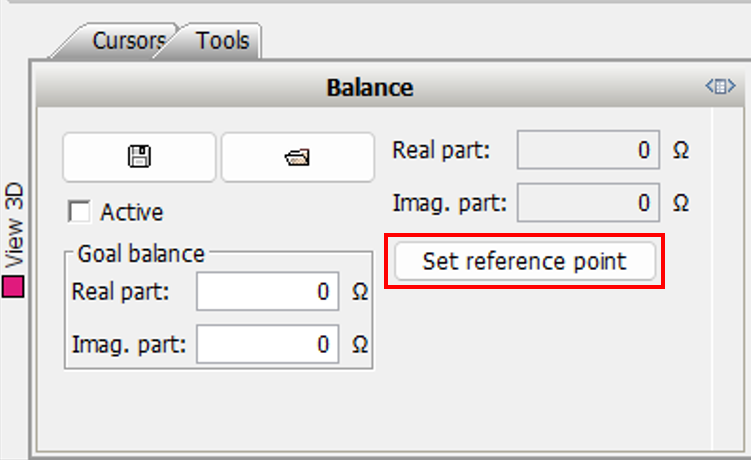
Since CIVA 2025 SP2, a “one click” balancing feature enables you to set the first point of the scan to 0. This is the “Set Reference Point” menu, available in the “Tools/Balance” tab of the toolbox at the bottom of the analysis page.
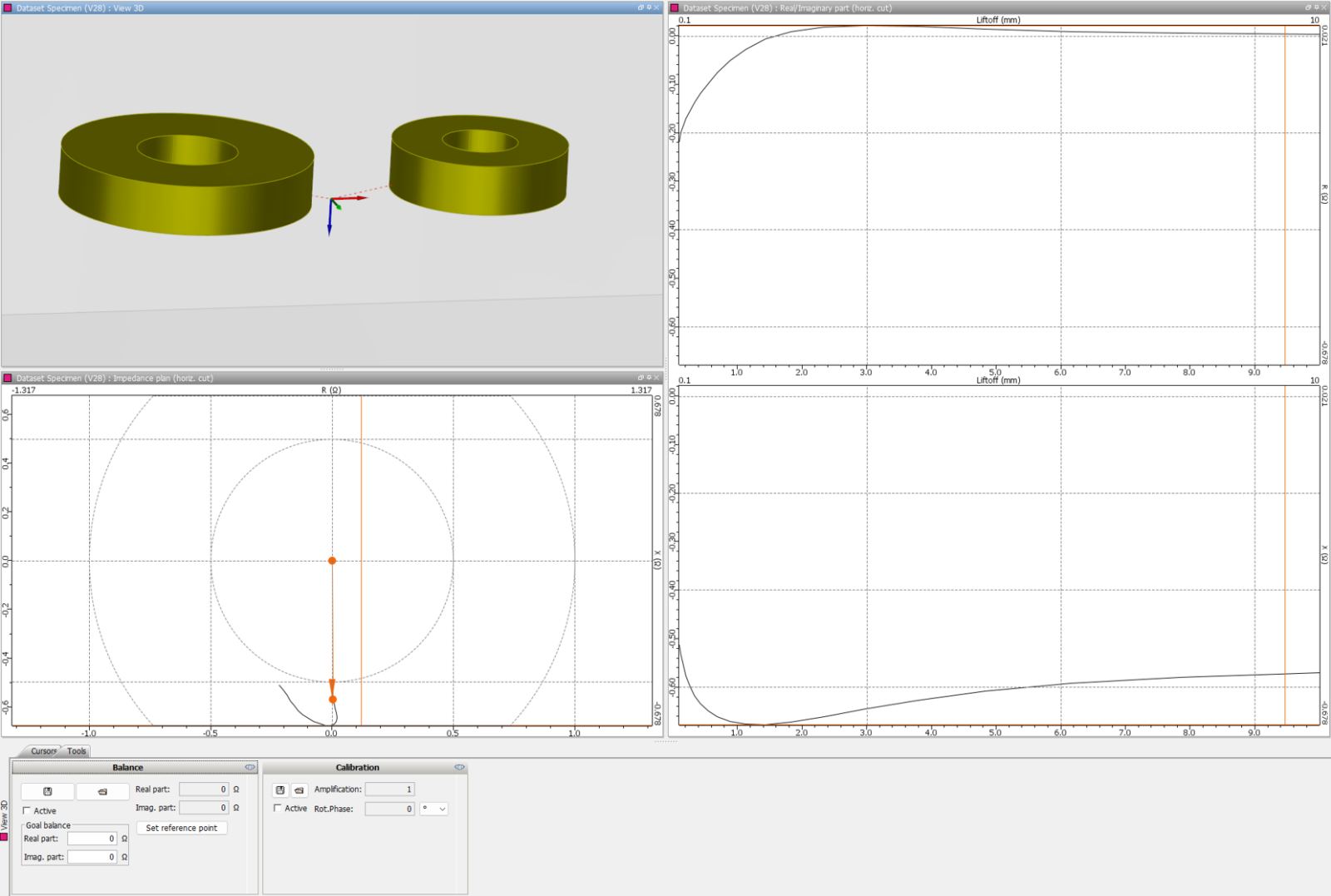
“Raw” lift-off signal obtained on a Driver-Pick-up probe
Thanks to “Set Reference Point”, the lift-off signal is directly set to “0” for the minimum (nominal) lift-off, allowing the user to easily read the lift-off signal phase.
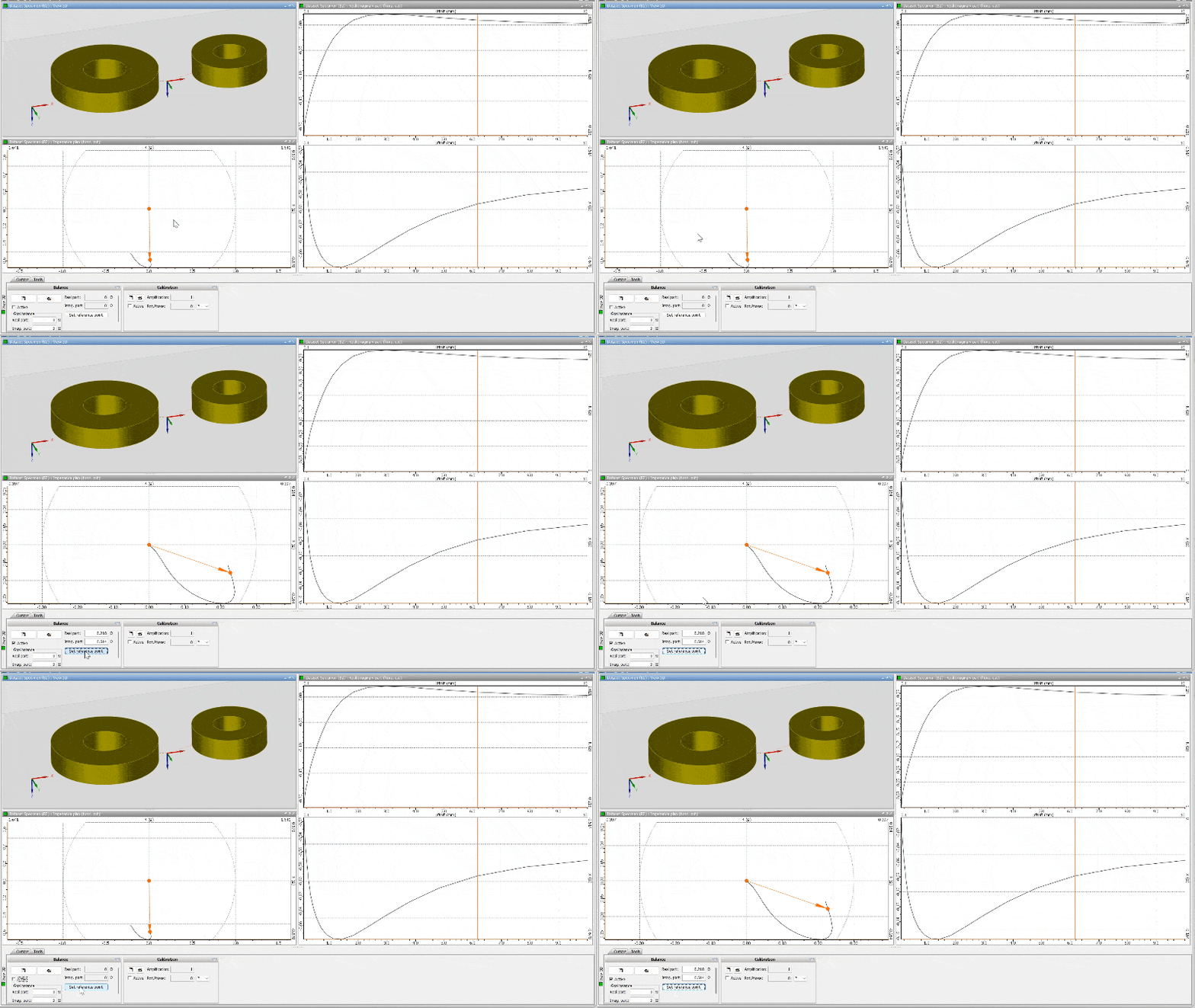
This feature can be useful in other contexts within CIVA ET:
- Balancing of the “complete signal”, especially on configurations with complex geometries (fastened plate or other complex specimens), as the signal is not null out of the defect zone (edge effect, mass effect, geometrical effect, etc.),
- Balancing of results obtained in the “SG Tube Inspection” module, in particular all channels in absolute mode,
- Configurations accounting for the “electrical parameters” of the probe,
- Analysis of an experimental signal or C-Scan imported in CIVA ET.
As a reminder, there is still another balancing feature available in the analysis toolbar at the top of the window. This is a more manual way as it requires to select a reference zone, but it is also flexible as you can select a custom reference zone, and it is more adapted for experimental C-Scans when you wish to balance the results versus the signals’ average value within a “defect free zone”.